Help Center / Getting Started
Adding Your First Podcast
Add a podcast RSS feed to start archiving
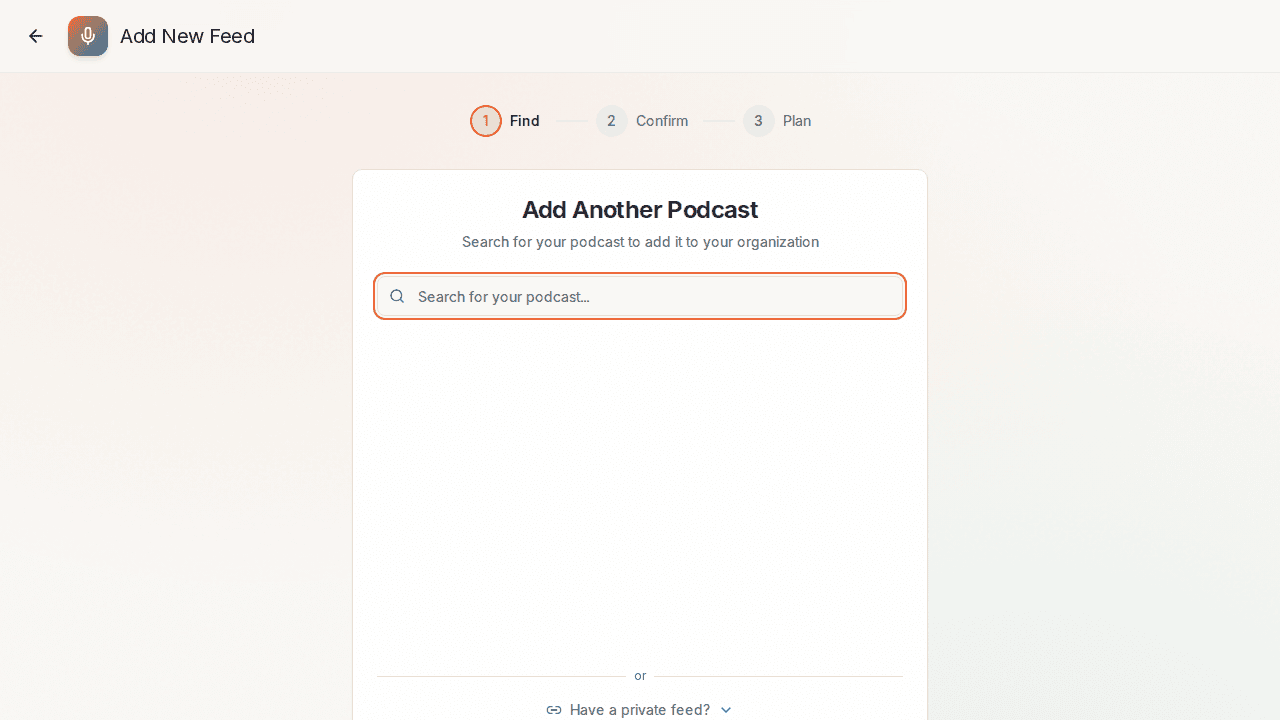
Adding a podcast to PodRewind is easy. You can search for podcasts by name or paste an RSS feed URL directly.
Finding Your Podcast
- Navigate to the Add Feed page from the dashboard
- Search for your podcast by name
- Browse the search results and select your podcast
- Click Add Podcast to add it to your library
Using an RSS Feed URL
If you have the RSS feed URL:
- Click Paste RSS URL on the Add Feed page
- Enter the full RSS feed URL
- Click Validate to confirm the feed
- Review the podcast details and click Add Podcast
What Happens Next
After adding a podcast:
- PodRewind downloads the episode metadata
- Episodes are queued for processing
- Audio files are downloaded and stored securely
- Transcription begins automatically
Processing Time
- Free tier: 10 most recent episodes processed
- Premium tier: Full archive processed
- Typical processing time: ~5 minutes per episode
What's Next?
- Dashboard Overview - Navigate the main interface
- Understanding Processing Status - Learn about episode states