Help Center / Audio Playback
Transcript Synchronization
Follow along with highlighted text
The transcript automatically syncs with audio playback.
Auto-Highlighting
As audio plays:
- The current segment is highlighted
- Text automatically scrolls to keep current segment visible
- Previous segments remain accessible
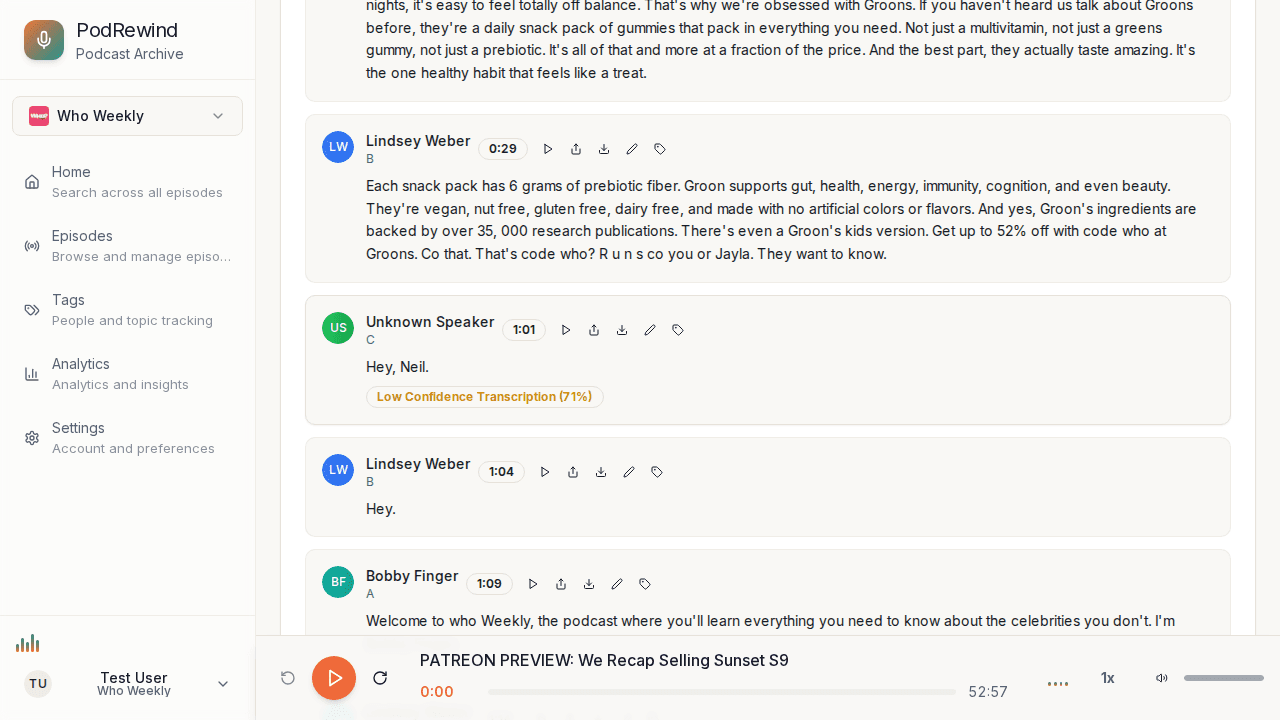
Click to Jump
Click any transcript segment to:
- Jump audio to that timestamp
- Highlight the selected segment
Use the play button on each segment to start playback from that point.
Following Along
For the best reading experience:
- Start playback
- Enable auto-scroll
- The transcript follows along automatically
- Click ahead if you want to jump forward
What's Next?
- Sharing Audio Segments - Share specific moments
- Reading Transcripts - Transcript features