Help Center / Team & Organization
Inviting Team Members
Add collaborators to your organization
Invite team members to collaborate on your podcast archive.
Sending Invitations
To invite a team member:
- Go to Settings → Team
- Click Invite Member
- Enter their email address
- Select their role
- Click Send Invitation
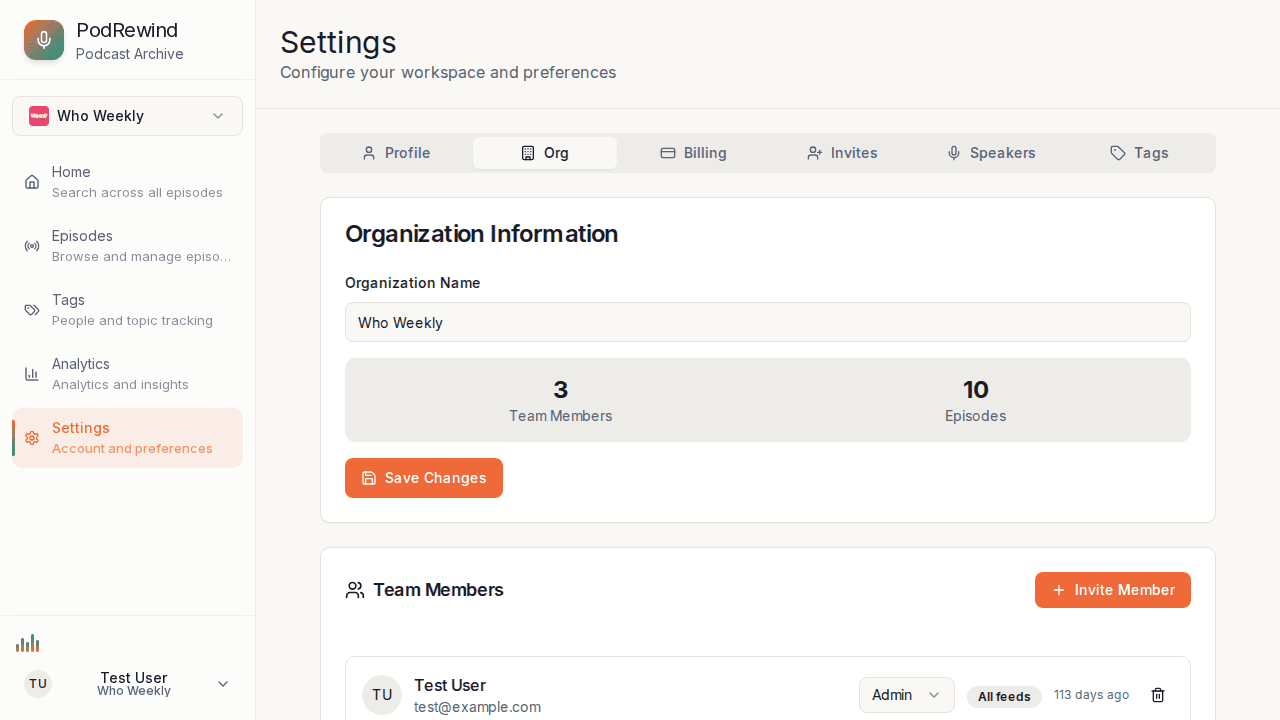
Invitation Process
After sending an invitation:
- They receive an email with a link
- They click to accept the invitation
- They create an account (if new)
- They're added to your organization
Pending Invitations
View pending invitations:
- See who hasn't accepted yet
- Resend invitations if needed
- Cancel pending invitations
Member Limits
Member limits depend on your plan:
- Free tier - 1 member
- Premium tier - Unlimited members
What's Next?
- Roles and Permissions - Understanding access levels
- Managing Feed Access - Control feed visibility